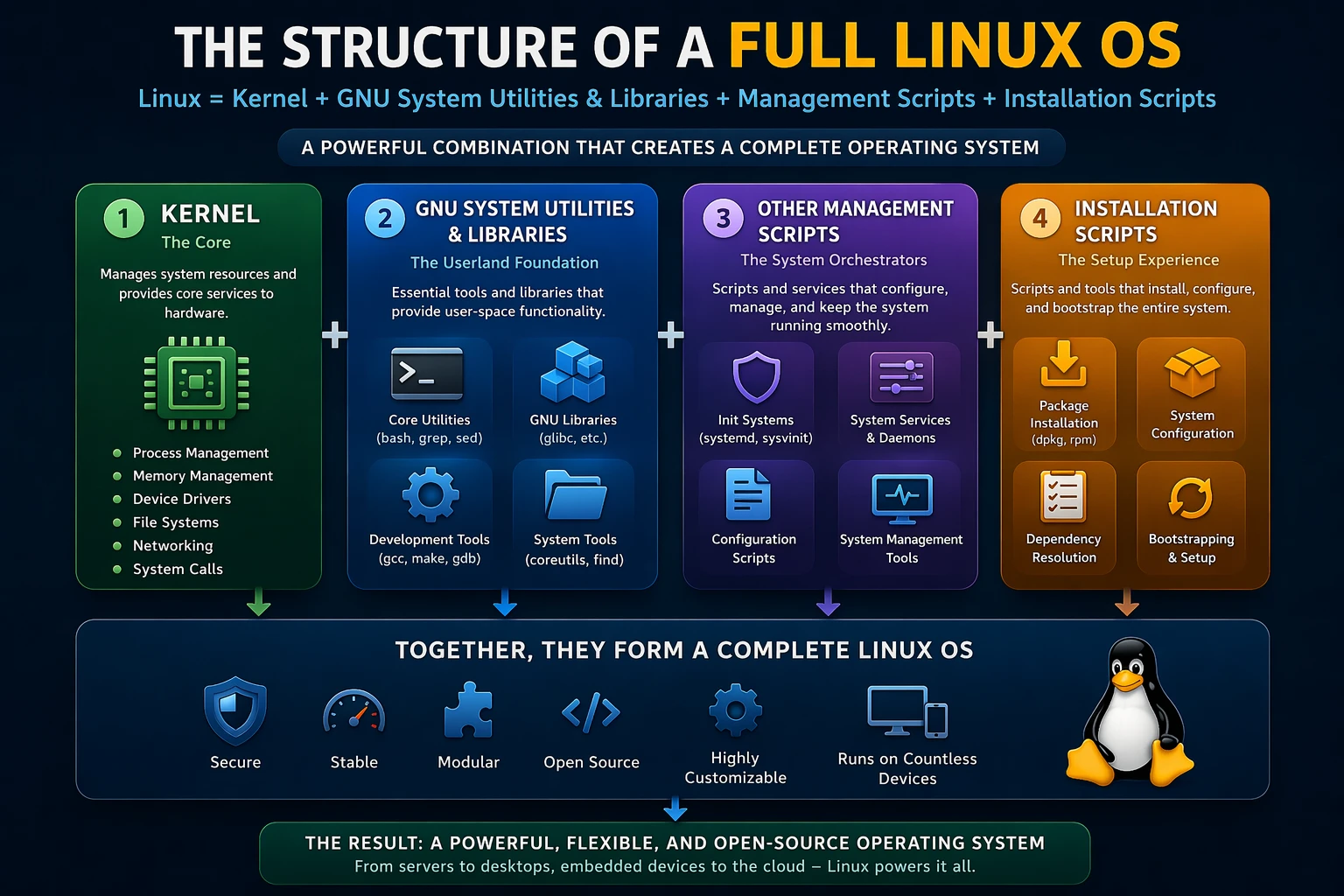

Linux is often misunderstood as just an operating system. In reality, what we call “Linux OS” is a combination of multiple components working together — the
A Linux OS becomes practical when you can install and manage software easily.
Common tools:
- Debian-based →
apt,dpkg - RedHat-based →
yum,dnf,rpm
What they handle:
- Software installation
- Dependency resolution
- Updates & upgrades
📚 Reference:
https://wiki.debian.org/Apt
https://dnf.readthedocs.io/
🖥️ Step 5: Filesystem & Directory Structure
Linux follows a standardized filesystem layout.
Important directories:
/bin→ essential binaries/etc→ configuration files/home→ user data/var→ logs and variable data/usr→ user programs
This structure ensures consistency across distributions.
📚 Reference:
https://refspecs.linuxfoundation.org/FHS_3.0/fhs/index.html
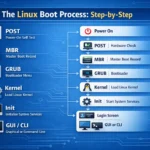
🚀 Step 6: Bootloader (System Startup)
Before the kernel runs, a bootloader is required.
Popular bootloaders:
- GRUB (most common)
What it does:
- Loads the Linux kernel into memory
- Passes control to the kernel
📚 Reference:
https://www.gnu.org/software/grub/
🧩 Step 7: Putting It All Together
A complete Linux OS is formed when all these components are combined:
Linux OS =
Kernel
+ GNU Utilities & Libraries
+ System Management (init + services)
+ Package Manager
+ Filesystem Structure
+ Bootloader
Each layer builds on top of the previous one.
🐧 Step 8: Linux Distributions (Final Product)
When all components are bundled together, you get a Linux distribution.
Examples:
- Ubuntu
- Debian
- Arch Linux
- Fedora
Each distro:
- Uses the same kernel
- Adds its own tools, configs, and package systems
📚 Reference:
https://distrowatch.com/
🎯 Final Thoughts
A Linux OS is not a single piece of software — it’s a carefully assembled ecosystem.
In simple terms:
- Kernel → Talks to hardware
- GNU tools → Let users interact
- Scripts & services → Automate and manage
- Package managers → Install software
- Bootloader → Starts everything
👉 Together, they form the powerful, flexible system we call Linux.
📌 Bonus Tip
If you really want to understand Linux deeply, try building your own system from scratch:
👉 https://www.linuxfromscratch.org/
This project walks you through building a Linux OS manually, step by step.