
RHEL Certification – Complete Guide
What is RHEL Certification?
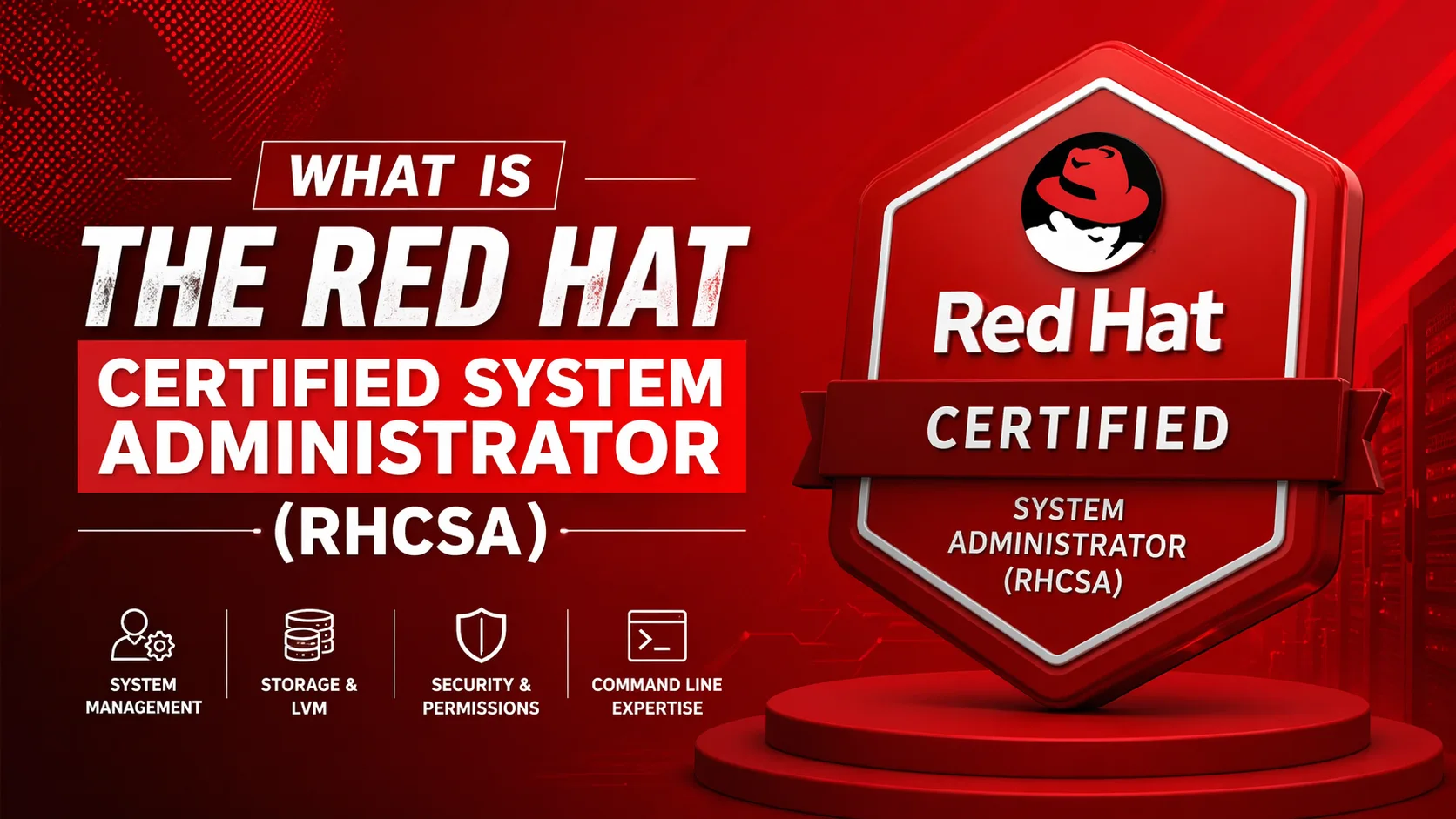
The Red Hat Certified System Administrator (RHCSA) is considered one of the most respected Linux certifications because it is 100% practical. You do real system administration tasks on a live system running Red Hat Enterprise Linux. RHEL Certification refers to professional credentials that validate your skills in Red Hat Enterprise Linux administration, deployment, and management. These are performance-based (hands-on) exams, not multiple-choice tests.
Red Hat Certification Levels
1. RHCSA – Entry Level ⭐
Red Hat Certified System Administrator
What it is:
- Entry-level Linux administrator certification
- Most popular Red Hat certification
- Validates fundamental Linux skills
Skills Covered:
✅ File and directory management
✅ User and group administration
✅ File permissions and security
✅ Network configuration
✅ Package management (dnf/yum)
✅ Storage management
✅ Service management (systemd)
✅ Basic troubleshooting
✅ SELinux basics
✅ Firewall configuration
Exam Details:
- Exam Code: EX200
- Duration: 2.5 hours (150 minutes)
- Format: Performance-based (hands-on tasks)
- Passing Score: 210/300 (70%)
- Price: ~$400-500 USD
- Valid for: 3 years
Who Should Take It:
- Linux beginners
- Junior system administrators
- IT professionals starting Linux career
- Students
2. RHCE – Intermediate Level ⭐⭐
Red Hat Certified Engineer
What it is:
- Mid-level automation and orchestration certification
- Requires RHCSA certification first
- Focuses on Ansible automation
Skills Covered:
✅ Ansible playbook creation
✅ Automation with Ansible
✅ Managing systems with Ansible
✅ Advanced configuration management
✅ Role-based automation
✅ Troubleshooting automation
✅ RHEL 9 system configuration
Exam Details:
- Exam Code: EX294
- Prerequisite: Active RHCSA certification
- Duration: 4 hours (240 minutes)
- Format: Performance-based
- Passing Score: 210/300 (70%)
- Price: ~$400-500 USD
- Valid for: 3 years
Who Should Take It:
- Experienced system administrators
- DevOps engineers
- Automation specialists
3. RHCA – Expert Level ⭐⭐⭐
Red Hat Certified Architect
What it is:
- Highest level Red Hat certification
- Requires RHCSA + 5 additional specialist certifications
- Demonstrates expertise across multiple domains
Requirements:
1. Active RHCSA certification
2. Five qualifying certifications from:
   - OpenShift Administration
   - Ansible Automation
   - Cloud Infrastructure
   - Security
   - Storage
   - Virtualization
   - Performance Tuning
   - And more...
Who Should Take It:
- Senior architects
- Lead engineers
- Consultants
- Technical leaders
Certification Paths
Path 1: System Administrator Track
Start Here → RHCSA (EX200)
              ↓
           RHCE (EX294)
              ↓
    Specialist Certifications
              ↓
           RHCA
Path 2: Cloud/Container Track
RHCSA (EX200)
    ↓
OpenShift Administration (EX280)
    ↓
Advanced Automation (EX374)
    ↓
RHCA
Path 3: Security Track
RHCSA (EX200)
    ↓
Security: Linux (EX415)
    ↓
Additional Certifications
    ↓
RHCA
Available Red Hat Certifications
| Certification | Code | Level | Focus Area |
|---|---|---|---|
| RHCSA | EX200 | Entry | System Administration |
| RHCE | EX294 | Mid | Automation (Ansible) |
| OpenShift Admin | EX280 | Mid | Container Platform |
| Ansible Automation | EX374 | Mid | Advanced Ansible |
| Security: Linux | EX415 | Advanced | Security |
| Performance Tuning | EX442 | Advanced | Optimization |
| Clustering & Storage | EX436 | Advanced | HA & Storage |
| Virtualization | EX318 | Advanced | KVM/Virtualization |
| OpenShift Developer | EX288 | Mid | Application Development |
| Cloud Infrastructure | EX220 | Advanced | Cloud Management |
RHCSA Exam Breakdown (Most Popular)
What You’ll Be Asked to Do:
1. Essential Tools (15-20%)
bash
# Access shell prompt and run commands
# Use input/output redirection
# Use grep, regex
# Access remote systems via SSH
# Archive, compress files (tar, gzip)
2. File Management (10-15%)
bash
# Create, delete, copy files
# Hard and soft links
# File permissions
# Search for files (find)
3. Users and Groups (10-15%)
bash
# Create, modify, delete users
# Manage passwords and password aging
# Create and manage groups
# Configure sudo access
4. Storage Management (15-20%)
bash
# List, create, delete partitions
# Create, mount filesystems (ext4, xfs)
# Configure swap
# Use LVM (Logical Volume Manager)
# Mount filesystems at boot (/etc/fstab)
5. Network Configuration (10%)
bash
# Configure network settings
# Configure hostname
# Firewall configuration (firewalld)
6. Software Management (10%)
bash
# Install, update, remove packages (dnf)
# Manage repositories
# Kernel updates
7. Services and Processes (10-15%)
bash
# Start, stop, enable services (systemctl)
# Check service status
# Process management (ps, top, kill)
# Schedule tasks (cron, at)
8. Security (10-15%)
bash
# SELinux basics
# Configure SELinux contexts
# Firewall rules
# SSH configuration
Exam Format (Performance-Based)
How It Works:
Not Multiple Choice:
❌ No A, B, C, D questions
✅ Real tasks on real systems
✅ Hands-on configuration
✅ You actually DO the work
Example Task:
Instead of:
"Which command creates a user?"
A) useradd
B) adduser
C) usermod
D) userdel

You get:
"Create a user named 'john' with UID 1500,
home directory /home/john, and default shell /bin/bash"

You must execute the actual command!
Exam Environment:
- Virtual machines running RHEL
- SSH access to systems
- Terminal-based work
- Documentation available (man pages, docs)
- No internet access
- No external notes
Preparation Resources
1. Official Red Hat Training
Course: RH124 + RH134 (RHCSA)
Duration: 9 days total
Price: ~$3,000-4,000 USD
Format: Instructor-led or self-paced
URL: https://www.redhat.com/en/services/training
2. Free Learning Resources
✅ Red Hat Developer Program (free RHEL)
   https://developers.redhat.com/

✅ Red Hat Learning Subscription
   https://www.redhat.com/en/services/training/learning-subscription

✅ RHEL Documentation
   https://access.redhat.com/documentation/
3. Third-Party Training
✅ Linux Academy / A Cloud Guru
✅ Udemy courses
✅ YouTube tutorials
✅ Sander van Vugt courses (highly recommended)
4. Books
✅ "Red Hat RHCSA 9 Cert Guide" - Sander van Vugt
✅ "RHCSA/RHCE Red Hat Linux Certification Study Guide"
✅ Red Hat official study guides
5. Practice Labs
✅ Set up your own RHEL lab (free with developer account)
✅ Use VirtualBox/VMware
✅ Practice all exam objectives
✅ Time yourself
How to Register for Exam
Step-by-Step:
- Create Red Hat Account
https://www.redhat.com/wapps/sso/register.html- Choose Exam
   https://www.redhat.com/en/services/certification/rhcsa
Click "Get certified"- Select Format
   - Remote Exam (from home)
- Test Center (physical location)- Schedule Exam
   - Choose date and time
   - Pay exam fee (~$400-500)
- Receive confirmation- Prepare
   - Study exam objectives
   - Practice hands-on
   - Take practice exams
Exam Day Tips
Before Exam:
✅ Read all exam objectives
✅ Set up practice environment
✅ Practice time management
✅ Know man pages well
✅ Get good sleep
During Exam:
✅ Read questions carefully
✅ Manage your time (2.5 hours = ~7 min per task)
✅ Do easy tasks first
✅ Verify your work
✅ Use man pages when needed
✅ Test configurations before moving on
Common Mistakes to Avoid:
❌ Not reading questions fully
❌ Spending too long on one task
❌ Not testing configurations
❌ Forgetting to enable services at boot
❌ Not setting file permissions correctly
❌ Forgetting SELinux contexts
Certification Benefits
Career Benefits:
✅ Industry-recognized credential
✅ Higher salary (avg +15-20%)
✅ Better job opportunities
✅ Vendor-neutral Linux skills
✅ Proof of hands-on expertise
Salary Impact:
Without RHCSA: $50,000-70,000/year
With RHCSA: $65,000-85,000/year
With RHCE: $80,000-100,000/year
With RHCA: $100,000-150,000/year

(Averages vary by location and experience)
Employer Recognition:
✅ Red Hat is industry leader
✅ Many companies require RHCSA
✅ Government contracts often mandate it
✅ Enterprise IT departments value it
Certification Validity
Duration:
RHCSA: 3 years
RHCE: 3 years
RHCA: 3 years
Renewal:
Option 1: Retake same exam
Option 2: Take higher-level exam
Option 3: Earn RHCA (auto-renews all)
Maintaining Certification:
- Must renew before expiration
- Current RHEL version tested
- Exam objectives may change
Cost Breakdown
| Item | Cost (USD) |
|---|---|
| RHCSA Exam | $400-500 |
| RHCE Exam | $400-500 |
| Official Training | $3,000-4,000 |
| Study Materials | $50-200 |
| Practice Exams | $50-100 |
| Total (with training) | ~$4,000-5,000 |
| Total (self-study) | ~$500-800 |
Sample Exam Objectives (RHCSA)
□ Understand and use essential tools
□ Create simple shell scripts
□ Operate running systems
□ Configure local storage
□ Create and configure file systems
□ Deploy, configure, and maintain systems
□ Manage basic networking
□ Manage users and groups
□ Manage security
□ Understand core system components
Full objectives: https://www.redhat.com/en/services/training/ex200-red-hat-certified-system-administrator-rhcsa-exam
Quick Start Guide
To Get RHCSA Certified:
bash
# 1. Get free RHEL (developer account)
Register at https://developers.redhat.com/

# 2. Install RHEL in VM
Download ISO → Install in VirtualBox/VMware

# 3. Study exam objectives
https://www.redhat.com/en/services/training/ex200-red-hat-certified-system-administrator-rhcsa-exam

# 4. Practice hands-on
Set up lab environment
Practice all objectives
Time yourself

# 5. Register for exam
https://www.redhat.com/en/services/certification/rhcsa

# 6. Take exam
Remote or at test center

# 7. Pass and get certified! 🎉
Summary
RHCSA is:
- ✅ Entry-level Linux admin certification
- ✅ Performance-based (hands-on)
- ✅ Industry-recognized
- ✅ Career booster
- ✅ Valid for 3 years
To succeed:
- Study exam objectives
- Practice hands-on extensively
- Use RHEL (not CentOS/Ubuntu)
- Time yourself
- Know man pages
- Verify your work
Investment:
- $400-500 for exam
- 2-3 months preparation
- Lifetime career benefit 🚀
Get started with free RHEL at https://developers.redhat.com/ and begin your certification journey!