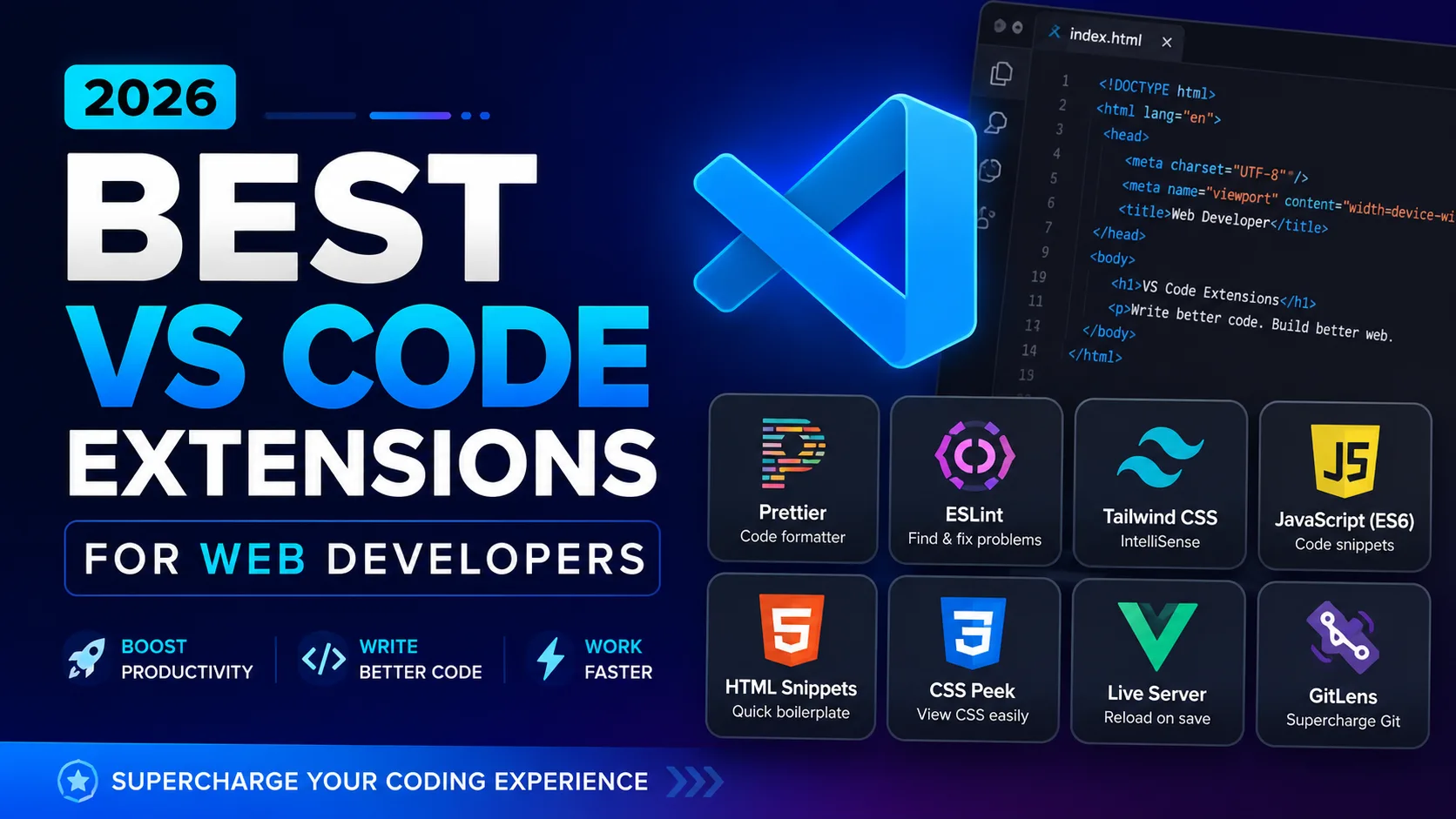

Essential Plugins for HTML, CSS, JavaScript, PHP, React, Next.js, Node.js & JSON Workflows

Visual Studio Code Official Website
Choosing the right extensions in Visual Studio Code can dramatically improve productivity, code quality, debugging speed, and overall development experience.
Whether you are building:
- responsive websites with HTML and CSS
- JavaScript applications
- PHP backend systems
- React or Next.js applications
- Node.js APIs
- JSON-based configurations
having the right VS Code setup can save hours of repetitive work every week.
This guide covers the best and most useful VS Code extensions for modern web developers in 2026.
Why VS Code Extensions Matter
VS Code is lightweight by default, but extensions transform it into a complete development environment.
The right plugins help you:
- write cleaner code
- reduce errors
- improve debugging
- automate formatting
- speed up frontend workflows
- navigate large projects faster
- improve Git productivity
A well-optimized setup makes coding smoother and more professional.
1. Prettier – Code Formatter


Prettier is one of the most essential extensions for any web developer.
It automatically formats:
- HTML
- CSS
- JavaScript
- JSX
- JSON
- TypeScript
- React files
Why Developers Love It
- Consistent formatting
- Cleaner codebase
- Saves time
- Works automatically on save
Recommended Setting
{
  "editor.formatOnSave": true
}
2. PHP Intelephense


If you work with PHP, this extension is almost mandatory.
Features
- intelligent autocomplete
- fast PHP indexing
- error detection
- function suggestions
- go to definition
- Laravel compatibility
It makes PHP development feel modern and powerful.
3. ESLint
ESLint helps developers write cleaner JavaScript and React code.
Benefits
- catches coding mistakes instantly
- improves code quality
- enforces coding standards
- reduces bugs in production
Especially useful for:
- React
- Next.js
- Node.js
- large JavaScript projects
4. Tailwind CSS IntelliSense


If you use Tailwind CSS with React or Next.js, this extension is incredibly useful.
Features
- Tailwind class autocomplete
- syntax highlighting
- hover previews
- responsive utility suggestions
Massively improves frontend workflow speed.
5. Live Server
Perfect for frontend developers working with:
- HTML
- CSS
- JavaScript
What It Does
- launches a local development server
- auto reloads browser on save
- speeds up frontend testing
A must-have for static websites and UI work.
6. Auto Rename Tag
This simple extension saves enormous time.
Example
Change:
<div>Into:
<section>The closing tag updates automatically.
Very useful for:
- HTML
- JSX
- React
- PHP templates
7. Path Intellisense
This extension auto-completes file paths.
Useful when importing:
- components
- CSS files
- images
- JavaScript modules
Especially valuable in large React and Next.js projects.
8. GitLens


GitLens supercharges Git inside VS Code.
Features
- commit history
- blame annotations
- branch tracking
- repository insights
- author tracking
Excellent for team projects and version control management.
9. Thunder Client
A lightweight alternative to Postman.
Best For
- testing APIs
- Node.js backend development
- PHP APIs
- REST API debugging
You can test APIs directly inside VS Code.
10. Error Lens
Error Lens displays errors directly inline.
Instead of checking the Problems tab constantly, errors appear exactly where the issue exists.
Huge productivity improvement for:
- JavaScript
- React
- PHP
- JSON debugging
11. Material Icon Theme


This extension improves the visual appearance of VS Code.
Benefits:
- better file recognition
- cleaner project navigation
- modern development environment
Small improvement, but highly recommended.
12. ES7+ React/Redux Snippets
Extremely useful for React and Next.js developers.
Features
- React component snippets
- hooks snippets
- Redux shortcuts
- faster JSX writing
Example:
rafceAutomatically generates a React functional component.
13. Docker Extension
Useful if you work with:
- Node.js containers
- PHP containers
- Next.js deployment
- Dockerized environments
Makes container management easier directly from VS Code.
14. JSON Crack / JSON Tools
Great for developers working with:
- APIs
- configuration files
- JSON responses
- Node.js applications
Features:
- JSON formatting
- validation
- minification
- visualization
Best VS Code Setup for Modern Web Developers
Recommended Stack
| Purpose | Best Extension |
|---|---|
| Formatting | Prettier |
| PHP Development | Intelephense |
| JavaScript Quality | ESLint |
| React Productivity | ES7 Snippets |
| API Testing | Thunder Client |
| Git Management | GitLens |
| Tailwind Support | Tailwind IntelliSense |
| Error Visibility | Error Lens |
| File Navigation | Path Intellisense |
| Frontend Preview | Live Server |
Recommended VS Code Settings
Add these to your settings.json:
{
  "editor.formatOnSave": true,
  "editor.tabSize": 2,
  "editor.wordWrap": "on",
  "files.autoSave": "afterDelay",
  "editor.minimap.enabled": false,
  "emmet.triggerExpansionOnTab": true,
  "editor.inlineSuggest.enabled": true
}
Bonus Productivity Tips
Learn Emmet
Emmet is built into VS Code and dramatically speeds up HTML/CSS development.
Example:
ul>li*5Press Tab →
<ul>
  <li></li>
  <li></li>
  <li></li>
  <li></li>
  <li></li>
</ul>
Use Workspace Settings
Create project-specific .vscode/settings.json files for:
- formatting rules
- ESLint settings
- tab sizes
- auto-save preferences
Enable Git Frequently
Commit small changes regularly to maintain cleaner project history.
Final Thoughts
Visual Studio Code becomes incredibly powerful when paired with the right extensions.
For modern web development involving:
- HTML
- CSS
- JavaScript
- PHP
- React
- Next.js
- Node.js
- JSON
these extensions can dramatically improve:
- productivity
- code quality
- debugging
- workflow efficiency
A clean and optimized VS Code environment not only speeds up development but also makes coding more enjoyable and professional.